Homelab Setup
Why I Started a Homelab
Like many people in IT, I wanted a place to experiment, break things, and learn without risking production systems. This homelab is where I test ideas, run services I rely on daily, and slowly level up my Linux and networking skills.
This homelab is also a place where I run my service for the boys, my friends that I play games with on a regular basis. This blog will serve as documentation, both for myself and for anyone else that is interested.
Hardware Overview
My current setup is currently:
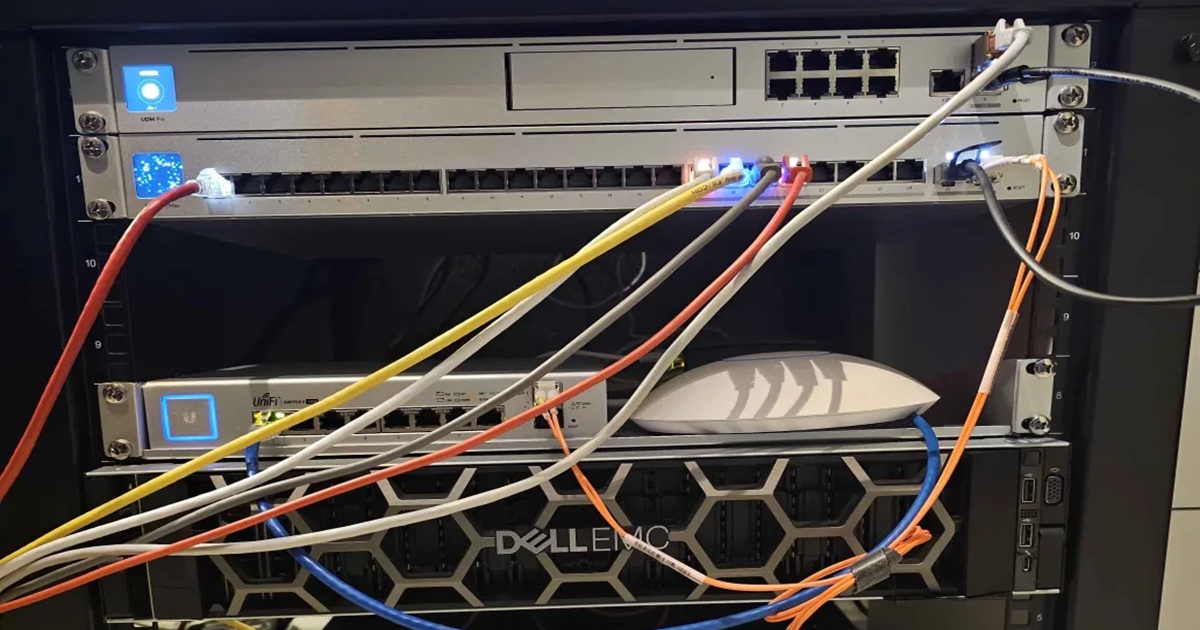
- Server: Dell R740xd
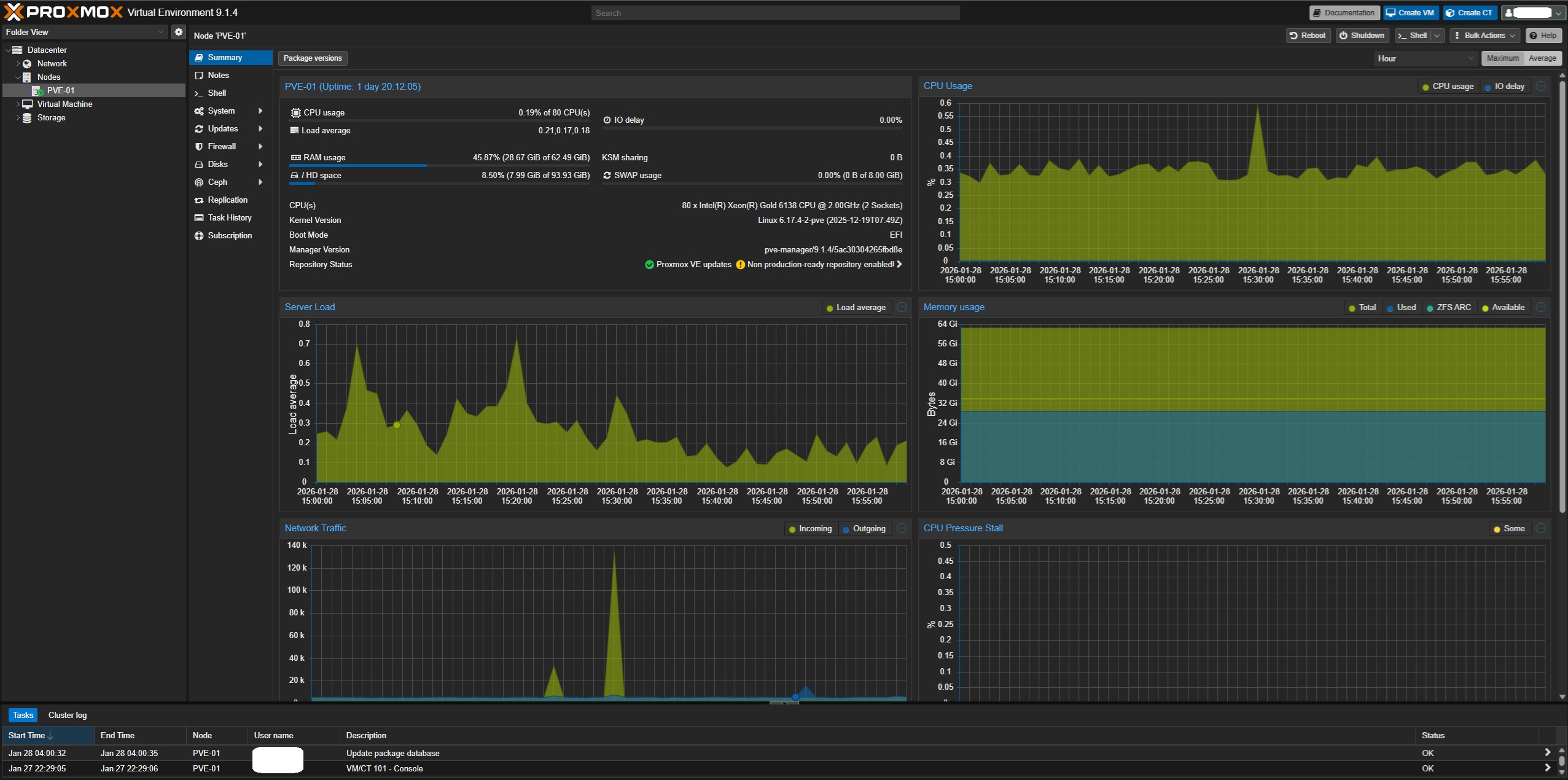
- CPU: 2x Intel Xeon Gold 6138 (20 cores each)
- RAM: 64GB DDR4 ECC 2133MHz
- Storage: 1,4TB worth of SSDs for VMs
- Networking: Mostly Ubiquiti, see below for more info.
Network Setup
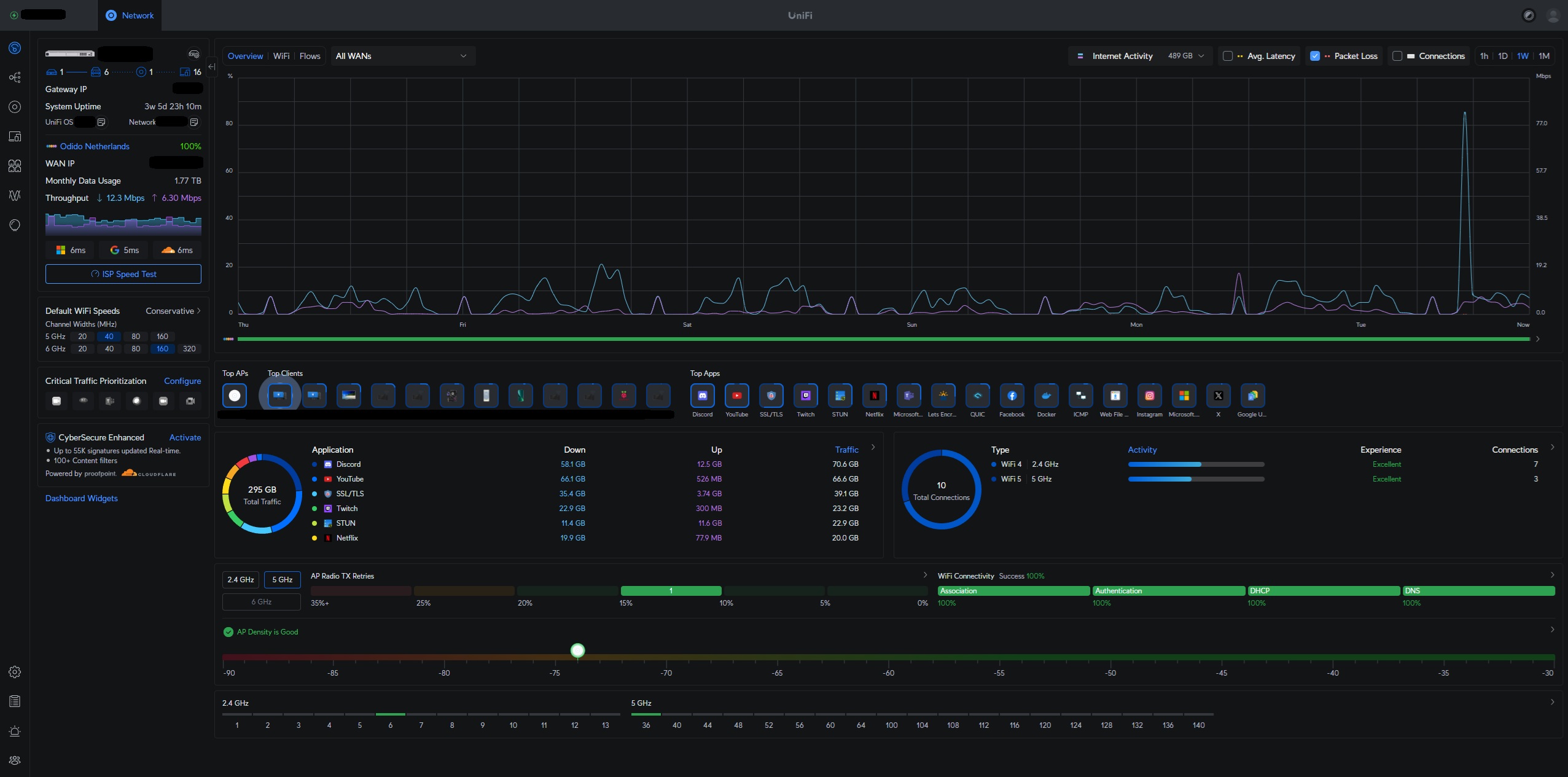
The homelab sits behind my main network and is segmented via VLANs for safety and experimentation.
- Router / Firewall: UDM-Pro
- Switching: USW Pro Max 24, US 8 PoE 150W, 2x USW Flex 2,5Gb 5, 2x USW Flex Mini, AC LR
- DNS: Local DNS for internal services
- External Access: Cloudflare Tunnel via a RPi 3
Internal services stay internal unless explicitly exposed.
 My Ubiquiti Network
Virtualization & Services
I’m running Proxmox as my hypervisor, which hosts:
- Linux VMs (Ubuntu)
- Docker containers for lightweight services
- Game servers via AMP
- This Jekyll blog itself
Current services include:
- Monitoring: status.icy-it.xyz
- Application Management Panel: amp.icy-it.xyz
- Homarr for a homepage
More detailed posts on each service are coming soon.
 My Proxmox Virtual Environment
This homelab is very much a work in progress, and it will probably always be.